Building agentic workflows in an app with a cloud backend and ADK
 Public
- 29 Sep, 2026
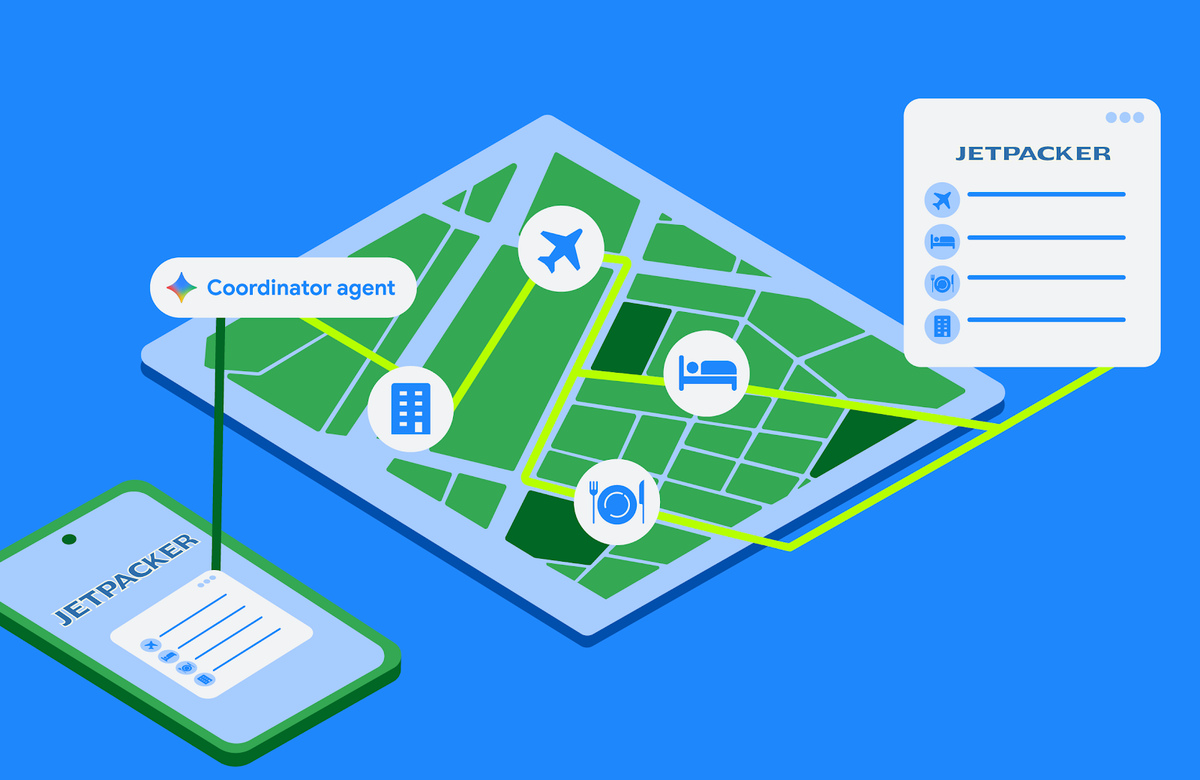
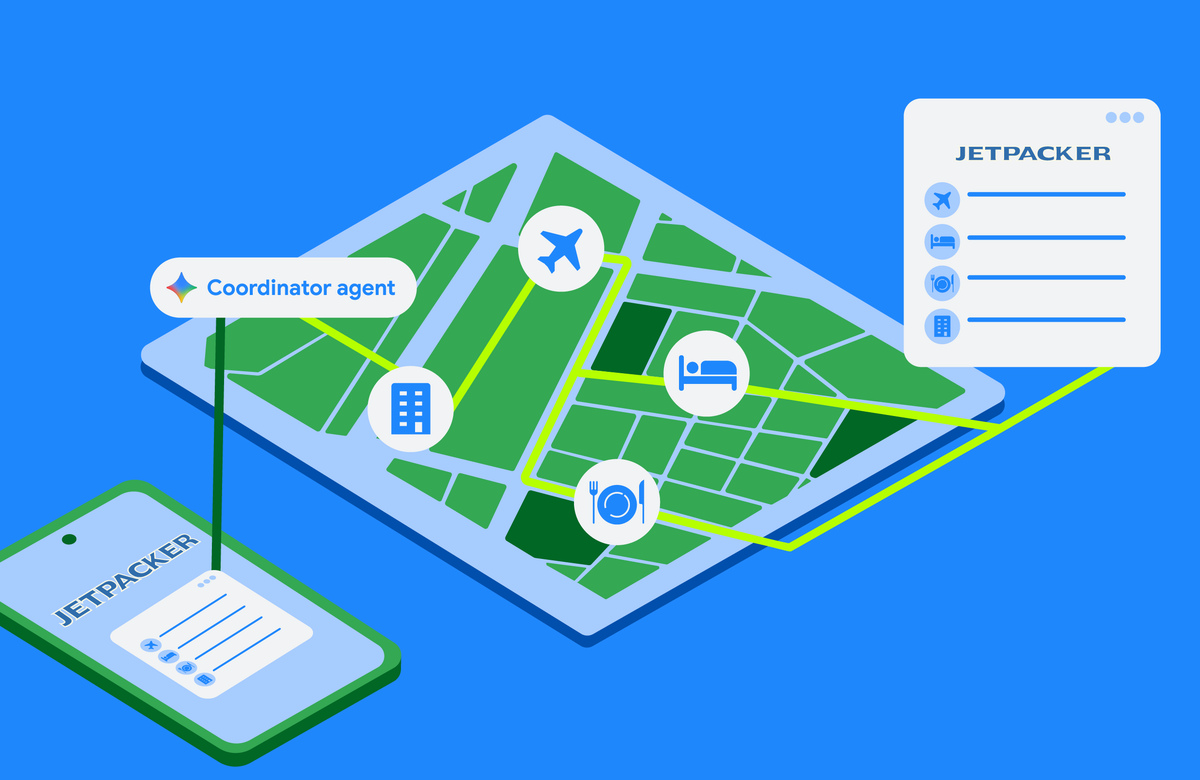
Some tasks are too complex to complete in a single device session. Booking a full holiday itinerary means coordinating flight times, choosing hotel rooms, reserving museum tickets, and planning restaurants. Running that multi-step process directly on a phone risks losing progress if the app is closed, and juggling many steps plus API credentials on a handheld gets complicated quickly. For these long-running workflows, a custom self-hosted backend is the better fit: the backend executes the booking agents in the background while the Android app stays connected to the session, renders progress, and asks the user for input only when it is actually needed.
The foundation is the Agent Development Kit (ADK). A Python example defines a specialized agent flight_agent using Agent(name="Flight Booker", model="gemini-3.1-flash-lite",...) with two function tools: search_flights(destination, date) and reserve_flight(flight_time). Notably, reserve_flight sets require_confirmation=True, so ADK pauses and waits for explicit user approval before executing that destructive step. The agent is run through an InMemoryRunner, where run_async(user_id, session_id) drives the loop. ADK handles execution internally: it tracks conversation context, routes messages between the user and the model, and invokes the registered tools when the model requests them, leaving you to write procedural logic while the framework manages orchestration.
To stream updates from the backend to the device in real time, the server uses AG-UI, a bidirectional transport protocol that standardizes message types between agents and UI clients. The agent can notify the client of lifecycle events, text messages, tool calls, and state changes, while the client sends user messages, tool results, and custom action events back. On the server, AG-UI yields updates as Server-Sent Events (for example, event: TEXT_MESSAGE_CONTENTcarrying a JSON delta). On Android, a Kotlin SDK listens to that stream and maps payloads to type-safe client events: HttpAgent is configured with HttpAgentConfig, RunAgentInput carries the thread and a UserMessage, and runAgentObservable(input).collect {... } lets you branch on TextMessageStartEvent, TextMessageContentEvent and TextMessageEndEvent.
Rendering only those text events produces a basic chatbot. To show interactive components natively, A2UI lets agents describe UI elements dynamically. The client declares a catalog of supported components, and the server sends a JSON payload specifying layout and properties, for instance a surface Flight Reservation, containing an InteractiveOptionPicker with a prompt, options such as "10:00 AM" and "2:00 PM", and a confirm button. On the backend, the ADK A2UI integration uses an A2uiSchemaManagerto compile component JSON schemas and layout instructions into the system prompt via generate_system_prompt(...), so the model learns the exact structure it must emit to produce valid A2UI payloads that the client can render.
On the client, adding A2UI starts with Gradle dependencies such as androidx.a2ui:a2ui-model, androidx.a2ui.compose:compose-runtime, compose-ui and androidx.compose.material3:material3-a2ui all versions 1.0.0-alpha01. Each catalog component class maps JSON properties into a Jetpack Compose composable, and a custom A2uiCatalog, registered with a catalogId, ties it to the server definition. For standard elements like text, buttons, checkboxes, and date-time pickers, ready-made Material 3 implementations are provided by materialA2uiBasicCatalogV1(...), with no custom code required. BookingAssistantViewModel feeds messages into A2uiMessageProcessor, whose StateFlow activeSurfaces the screen renders with the composable A2uiSurface, which handles state observation, loading indicators, error fallbacks, and animated transitions. Both sides must share the same catalog definition ID; if you add or change properties, you need to bump the version number and update the matching Kotlin component class to avoid parsing errors.