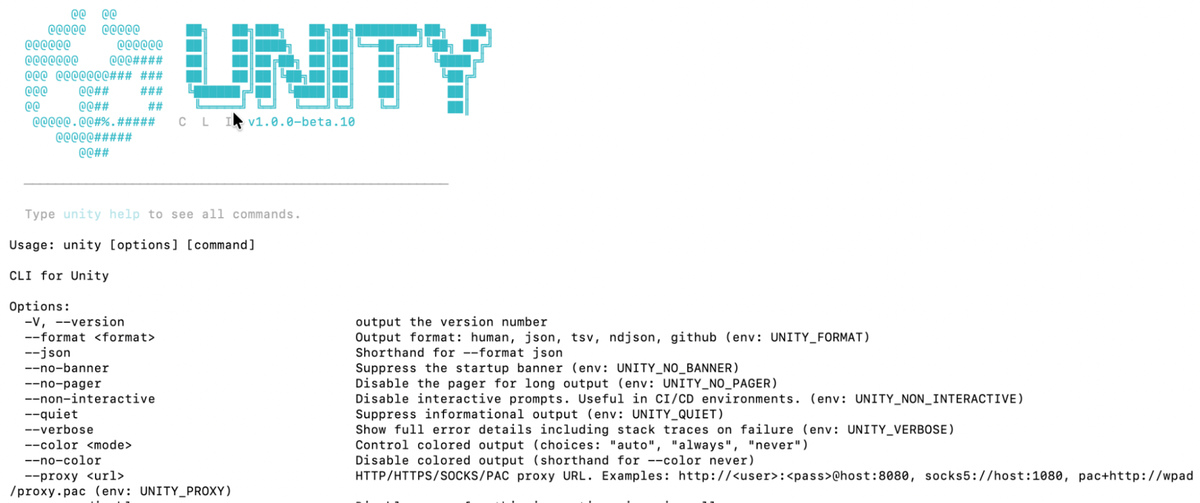
Unity releases an e-book on XR development for Meta VR
 Public
- 08 Nov, 2026
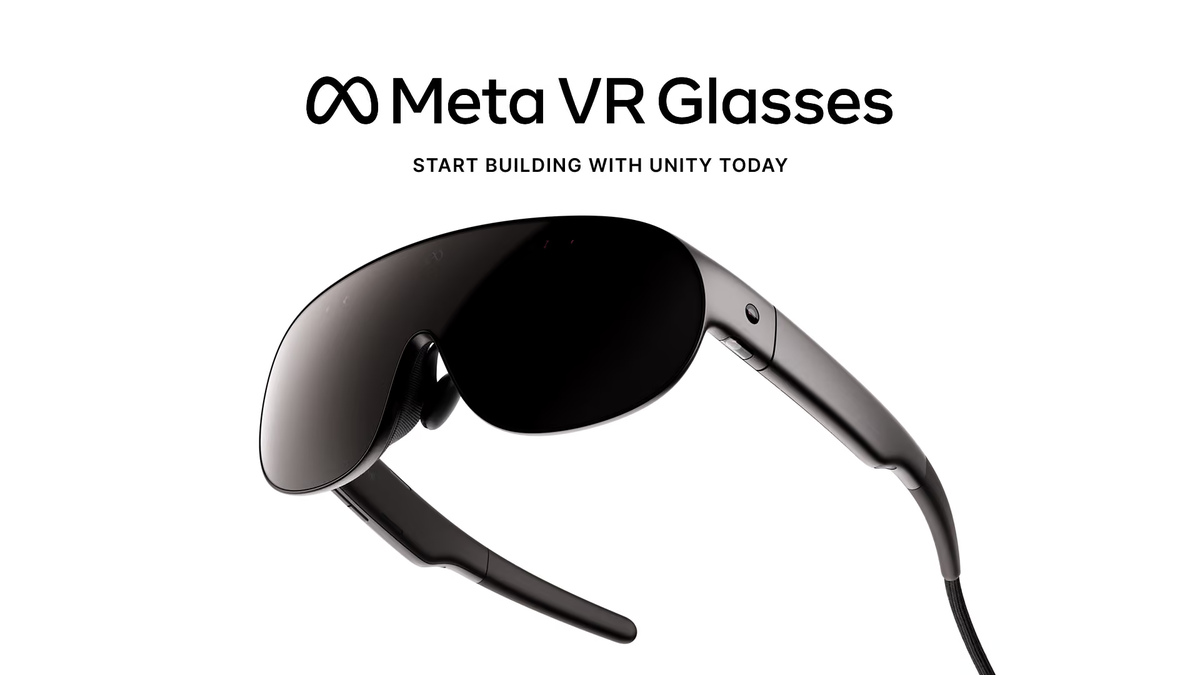
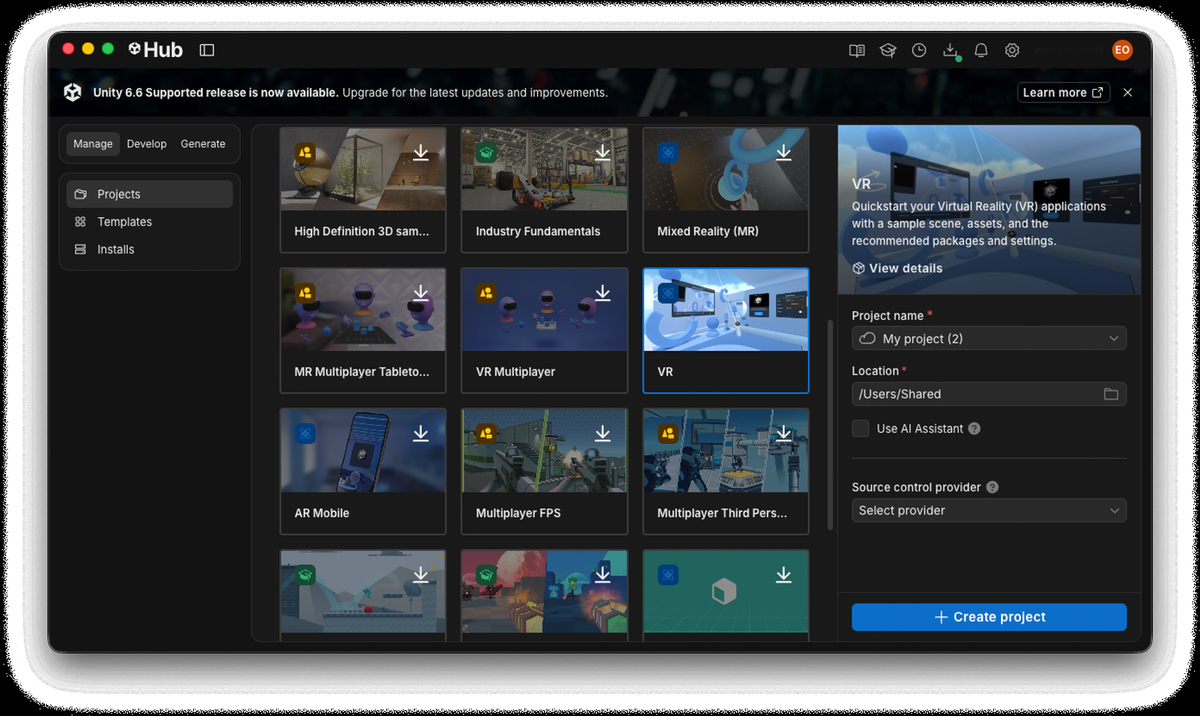
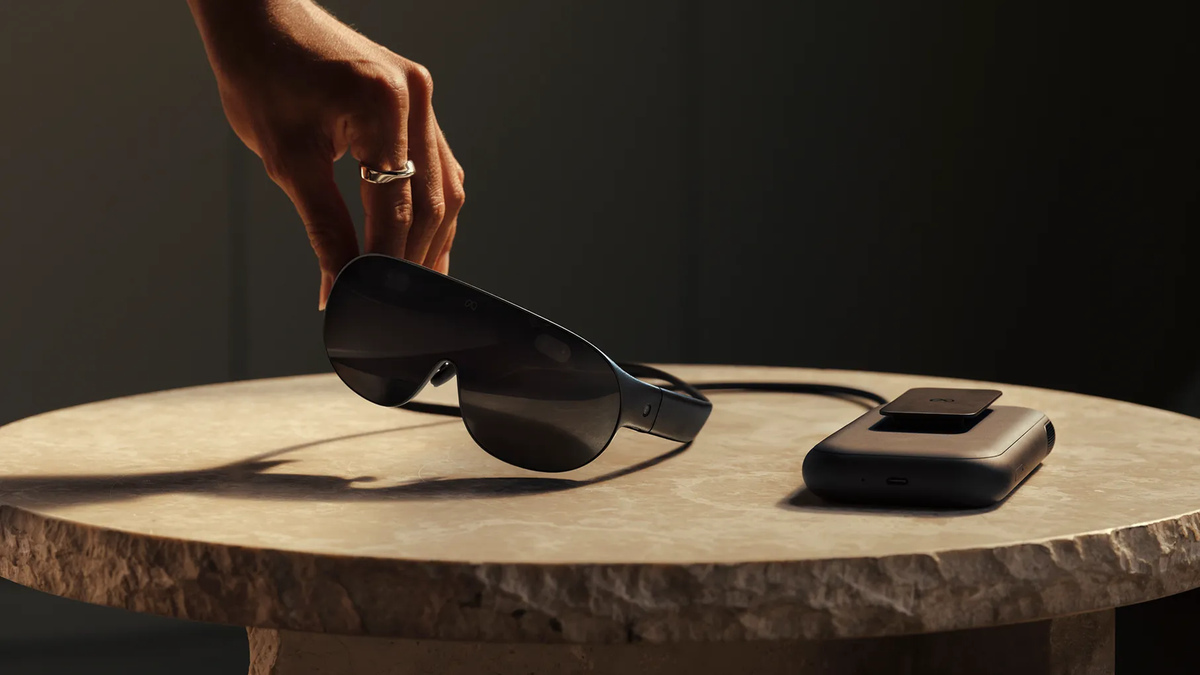
Unity has released a new e-book titled "Build XR with Unity: Meta XR". It is designed for developers who are creating new titles or porting existing applications to Meta VR devices. The guide focuses on the specific capabilities of Meta VR Glasses. These glasses offer more on-chip GPU memory than the Meta Quest 3. This hardware advantage allows the tiled renderer to split frames into fewer tiles, which optimizes performance. The e-book recommends using Unity 6.6 and XR Interaction Toolkit 3.6 or newer. The Unity Hub provides a VR template with sample scenes, assets, and recommended package settings, which streamlines the initial setup.
To run the template on a physical device, developers need to enable Developer mode, connect the headset, and switch the build platform to Meta Quest via File > Build Profiles. It is crucial to verify in Project Settings that OpenXR and both the Meta and Android XR feature groups are enabled. This ensures compatibility and preserves the project's portability. For those without a headset, the XR Interaction Simulator inside the XR Interaction Toolkit package is available. It allows testing interactions directly in the Editor. Windows users can use Meta Horizon Link to launch applications on a device straight from the Editor. This eliminates the need for a full build-and-deploy cycle during iterative development.
When porting projects from Quest 2 or Quest 3, developers should reevaluate their foveated rendering strategies. On Meta VR Glasses, fixed foveated rendering yields smaller resource savings. Benchmarking is essential to determine the optimal technique. To address bottlenecks in repetitive tasks, the new Unity CLI and the Unity Pipeline package provide a lightweight command-line interface into the Editor. The Pipeline package turns the running Editor into a local background server. It keeps scenes and asset databases "warm" in memory, avoiding cold-start delays. This setup enables AI agents capable of running shell commands, such as Claude Code, Codex, Cursor, Copilot, and Gemini CLI, to control the Editor, build applications, and assist with error resolution.
Unity offers official plugins for Claude and Codex. They teach agents to follow standard Unity workflows, installing 29 skills with a single command at launch. To close the verification loop, the Meta XR Operator component allows agents to interact within the running XR app. It can inspect scenes, move the head and controllers, and perform gestures such as pinch, poke, and grab, including gaze-and-pinch for Meta VR Glasses, as well as capture rendered views. As an experimental component, Meta XR Operator is intended for development and testing rather than production dependencies. Developers should continue testing comfort, tracking, and performance on physical hardware to ensure a robust user experience.