NVIDIA fixes long-standing Meta Quest Link freezes in new drivers
 Public
- 05 Nov, 2026
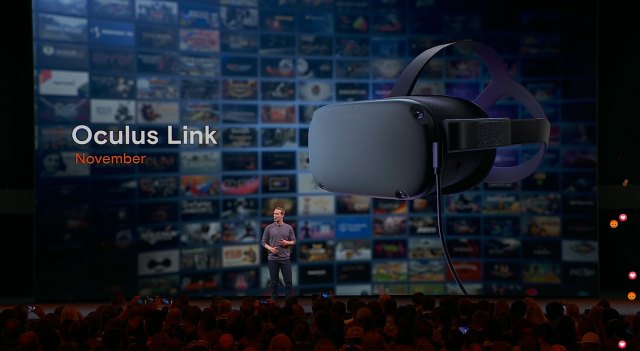
The prolonged instability affecting Meta Quest Link for PCVR has been officially resolved by NVIDIA. For approximately ten months, owners of newer NVIDIA graphics cards experienced random freezes and visual artifacts during USB streaming. These interruptions required restarting the Meta Quest service, but the issue would recur shortly after. Alternative solutions such as Virtual Desktop and Steam Link remained unaffected, but the failure in the native Quest Link significantly disrupted the workflow of many PCVR users, particularly those relying on specific NVIDIA hardware configurations.
NVIDIA addressed the defect in game driver version 621.01, with release notes explicitly stating a fix for the issue where Meta Horizon Link streams could freeze when connected over USB. However, users with enterprise-grade GPUs faced a delay, as the fix required the corresponding enterprise driver update. This patch arrived in version 621.14, allowing professionals with high-end workstation hardware to finally install the solution. The difference between consumer and enterprise driver release timelines meant that some users had to wait an additional period for the stability fix to become available in their hardware ecosystem.
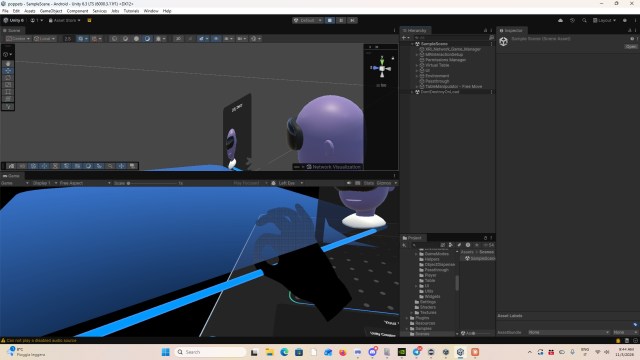
The restoration of stable Quest Link functionality is particularly important for application developers working in mixed reality environments. Unlike third-party streaming tools, the official Quest Link can transmit passthrough, eye tracking, and hand tracking data from the headset to the PC. This data flow allows developers to test mixed reality applications directly in the Unity editor, without having to build and deploy the project to the headset for every iteration. By pressing Play, developers can observe real-time interactions in a PCVR environment, which significantly accelerates the development cycle and shortens the feedback loop for complex spatial applications.
Users experiencing the described freezing issues are advised to update their graphics drivers via the NVIDIA App or by manually downloading the latest packages from the official website. The fix is included in driver version 621.01 for standard GPUs and 621.14 for enterprise cards. While resolving this bug restores full functionality for development and casual use, some users may encounter new compatibility conflicts with specific third-party VR applications. It is recommended to verify software compatibility after updating, as driver changes can occasionally introduce unforeseen interactions with other components of the VR development stack, requiring temporary rollbacks or further patches.