Meta Quest Horizon OS 2.10 PTC: Theater Mode and a Simplified Navigator Interface
 Public
- 06 Nov, 2026
Horizon OS 2.10 (version 210) has begun rolling out to the Public Test Channel (PTC), which serves as the beta stream for pre-release versions of Meta Quest system software. Users who opt into this channel receive early builds of the operating system, though features in the PTC do not always match the final stable release. Some features may be delayed, removed, or rolled out gradually to a limited group of users as experiments. Meta has occasionally described features inaccurately or listed them for releases that were actually planned for later versions, which has caused confusion about the exact timeline of new capabilities.
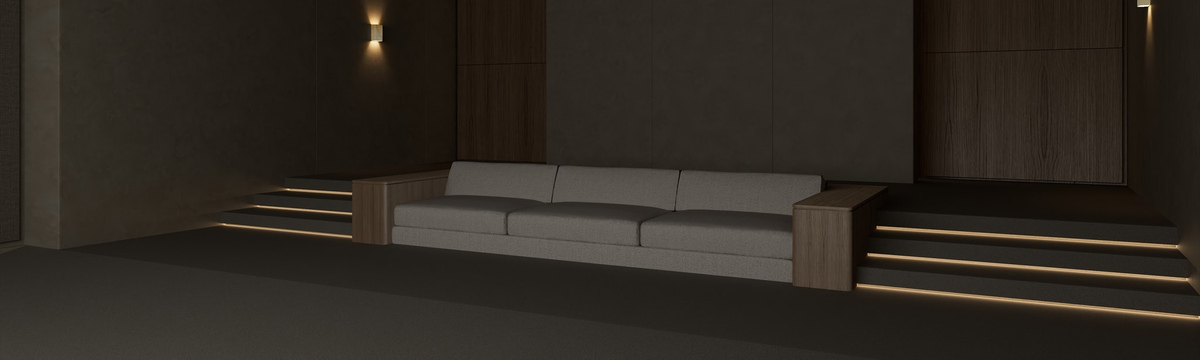
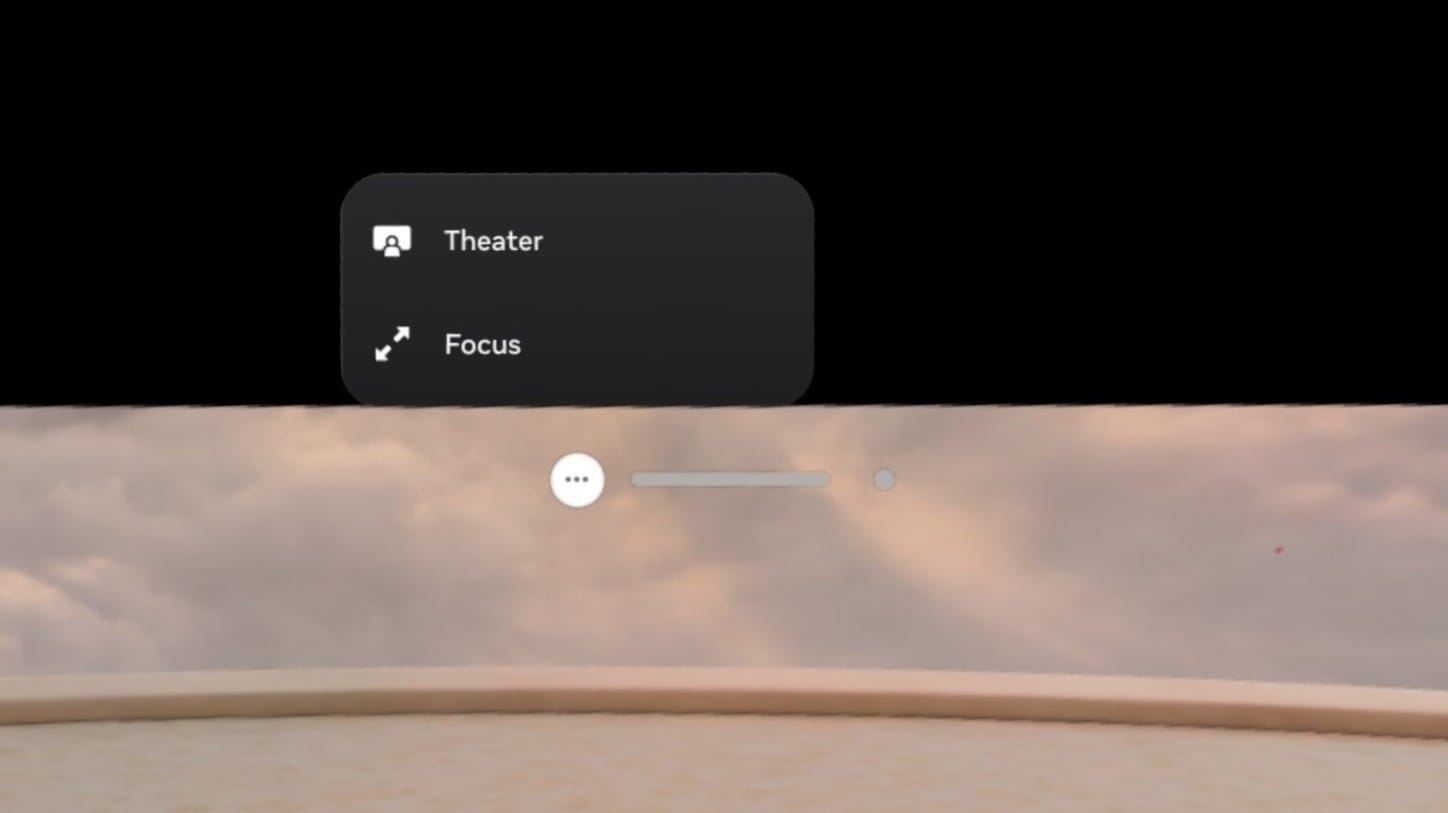
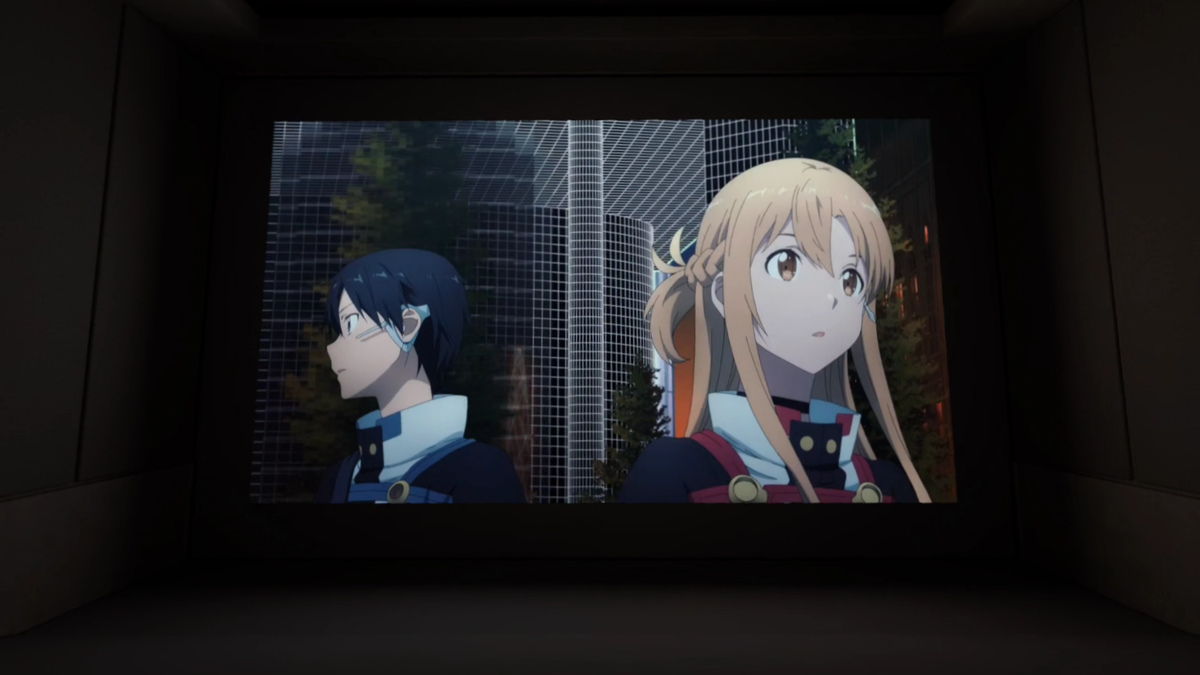
A major new addition in this update is the Theater environment, a dedicated space designed for media consumption. This high-resolution, home-theater-style room is accessed via a new button in the window's Control Bar, distinct from the existing Focus View option. Selecting it switches the system to this immersive environment, while exiting returns the user to the traditional VR Home or Passthrough modes. Theater mode currently supports real-time dynamic lighting based on the content being played, although the previously reported Dynamic Ambiance feature is not yet available and may arrive in a future update. Confirmed compatible apps include the system Media Player, Browser, YouTube, Disney+, and Amazon Prime Video.
Another significant change is the reorganization of the system launcher, known as the Navigator, which has undergone several iterations over the past year. This redesign, codenamed Simplified Navigator, consolidates the interface into three main tabs: Search, Library, and Notifications. Several previous buttons have been removed, including Me, People, Quick Controls, Show/Hide Windows, and the Environment/App options, as well as the left-hand filters on the Library tab. Quick Controls are now accessed by pressing the status display at the top of the overlay, which has been reorganized into a grid of larger buttons, including a new option to toggle between VR Home and Passthrough.
The Library section has also seen substantial changes: smartphone-style app folders have become the default in Grid View. A dedicated folder labeled Unknown Sources has been added for sideloaded apps. However, a notable regression is the removal of the option to filter the Library to show only installed apps or check for available updates, so the Library now displays all content accessible to the account. This issue is partially mitigated by a new List View, which retains the older filtering options. Additionally, the design of privacy indicators has been revised: active and recently used permissions are now displayed in green instead of muted purple.
Among the other changes in this PTC build is improved window resizing behavior, which benefits apps with locked aspect ratios, such as YouTube, by minimizing visual stutters during scaling. Meta also notes that users can now make video calls as their avatar in the Chats app, switching between avatar video and audio-only modes via the video icon in the call bar. This feature, originally introduced as Selfie Camera functionality, may lay the groundwork for upcoming Hologram Calling features. Additionally, the External Microphone toggle has been removed from the Experimental menu, though external microphone support via USB-C appears to still work without the toggle.