Creating Base Texture Generators in Substance 3D Designer for a Consistent Art Style
 Public
- 09 Nov, 2026
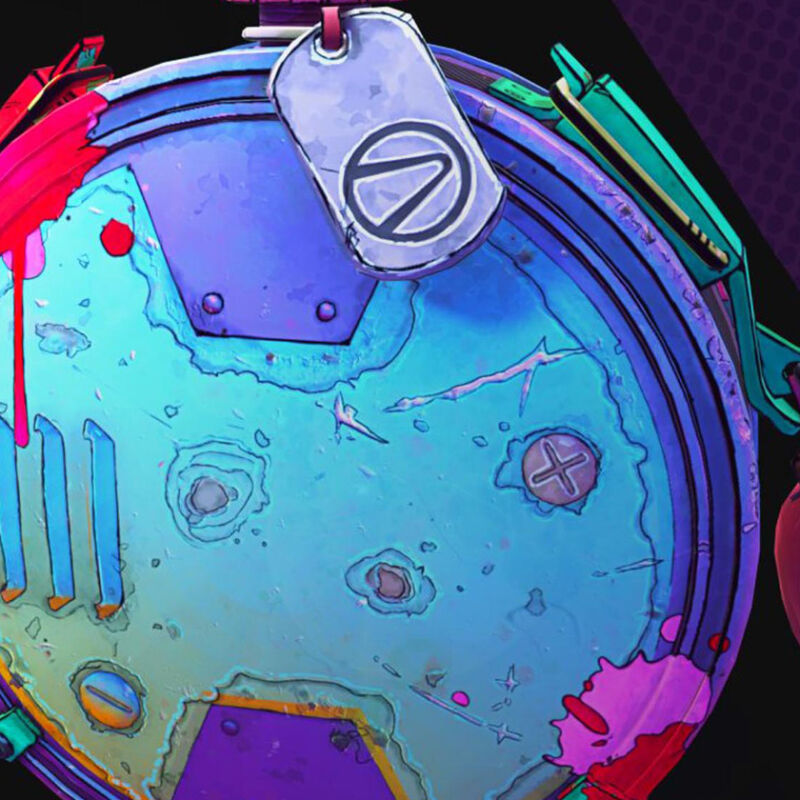
Maintaining a consistent hand-painted aesthetic across large teams of artists is a significant challenge in game production. To address this, a specific workflow was developed in Substance 3D Designer to create a suite of base generators. These tools are designed to shorten production time while ensuring that all assets share a unified visual language. The core of the solution is four distinct components: a Two-Color Gradient, a Gradient Mask, Spots, and Flakes. By encapsulating complex layer stacks into single, reusable components, artists can avoid the tedious manual process of stacking gradients, flakes, and spots repeatedly for every new prop. This approach not only saves time but also improves performance by reducing the number of active layers in the material editor.
Before constructing the generators, specific settings in Substance 3D Painter are essential for achieving the hand-painted look. The environment settings should use a Soft-Low-Contrast map instead of the default Studio Tomoko, so artists can paint hard lights manually for better control. It is critical to enable the sRGB color space, especially for game assets, and to create a fill layer on top of the working folder with metal and roughness disabled. Furthermore, baking assets is a mandatory step, since most generators and filters work correctly only with baked maps. Even for low-poly models, baking is required. It is recommended to work at one resolution above the target texel resolution to ensure sufficient data quality for the procedural nodes to operate effectively.
The creation of the Two-Color Gradient generator begins with a simple Light node that controls two colors based on baked world-space normals. However, exposing the default angle values from the Light node causes display issues in Substance 3D Painter, where the default values do not render correctly in the interface. To resolve this, two custom float variables are created to control the light angles, replacing the default turns parameter. For optimal visual results in previews, angles of 80 and 200 degrees are recommended. They must be converted to turns (for example, 80 degrees divided by 360 equals 0.22 turns) before being plugged into the node. An HSL node is then added to the graph to give artists greater freedom in color adjustments, and all essential values are exposed for easy manipulation within the Painter interface.
The Gradient Mask generator presents more technical challenges, primarily related to resolution and image quality. Initial tests revealed that the gradient appeared blocky and low-quality, especially when contrast was increased, due to the reliance on position data. While baking at a higher resolution helped, it did not fully solve the issue. The next problem encountered was gradient banding, a common artifact in image processing. Standard 8-bit per channel processing is often insufficient for smooth gradients. To eliminate banding, the output format of the parent node, specifically the RGBA Split node, must be changed to 16 bits per channel. This higher bit depth smooths out the grayscale data. Finally, a Blur HQ Grayscale node with very low intensity is inserted right before the histogram scan to achieve a pristine, artifact-free result.
The Spots and Flakes generators build upon the mask gradient logic to add surface detail. The Spots graph reuses the mask gradient section via an RGB Split node, allowing the focus to remain on spot-specific details. A crucial element for achieving the hand-painted look is the Slope Blur node, which simplifies shapes and gives surfaces a "painted" appearance. By keeping the exposed parameters clean and limited, artists can maintain a consistent style without overcomplicating the material. Flakes are essentially a combination of spots passed through a slope-blur filter chain, commonly used to break up metal surfaces. When exposing values for Substance 3D Painter, it is vital to limit freedom to ensure consistency: only the values necessary for shaping the material should be available. While these procedural tools cannot replace the artistic skill required for hero assets, they significantly speed up day-to-day texturing and help teams keep project visuals cohesive.