Historical Portfolio. Inclusion: The Tools We Work With
 Public
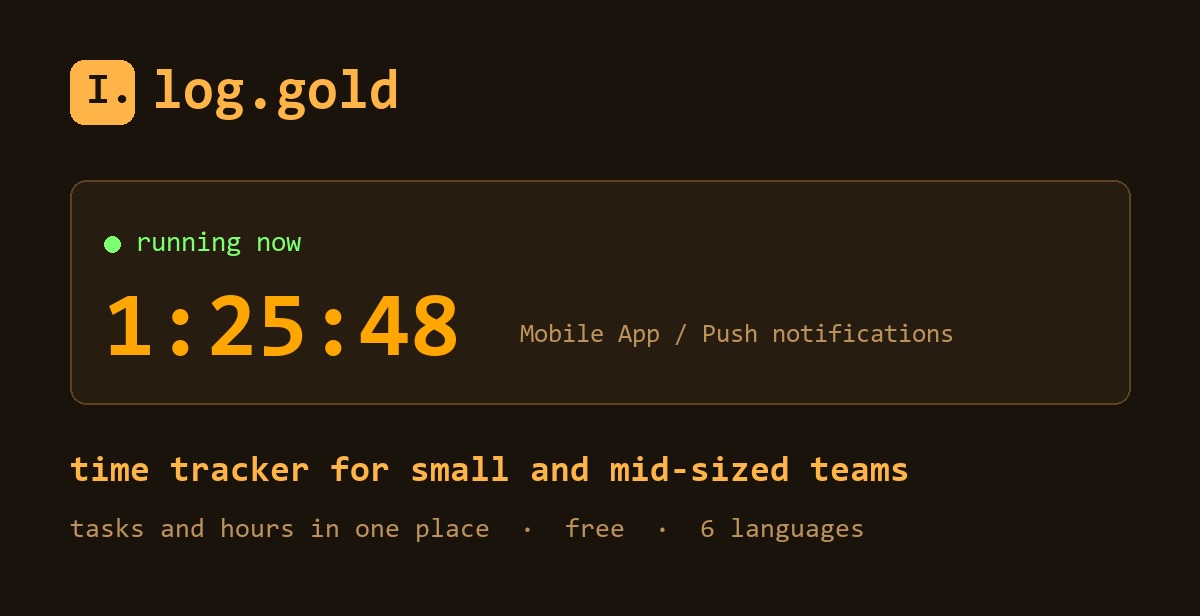
Hello, this is Alexander K. again. In the first part It was 2013, with our own engine in Java and our first games. Before moving on through the eras, I'll make a digression and talk not about what we built for clients, but about what we use ourselves.
Because a studio is not just code. It is also hours: by project, by task, by person. They determine the client's invoice, our planning, and an honest conversation about why a task took three days instead of one.
For twelve years we tracked time with other people's tools
And we tried, it seems, everything. The products are good, but every time something got in the way. Some got more expensive as soon as the team grew beyond a couple of people. Others could do so much that for the sake of two hours of work you had to learn an entire system. Tasks lived in one service, hours in another, and at the end of the month they were reconciled by hand.
At some point we thought: we know how to make software, so let's make our own. That's how this came about: Log.gold.
Three actions, and nothing to learn
We didn't start with a set of features, but with what a person does every day. They sit down to work and want the time to start counting. That's it.
So working with the timer comes down to "Start", work, "Stop". The task autocompletes after the third letter. Yesterday's task restarts with one click. Got a call or stepped out for lunch? There's a pause. A new team member figures it out in a minute, and that's not just a figure of speech.
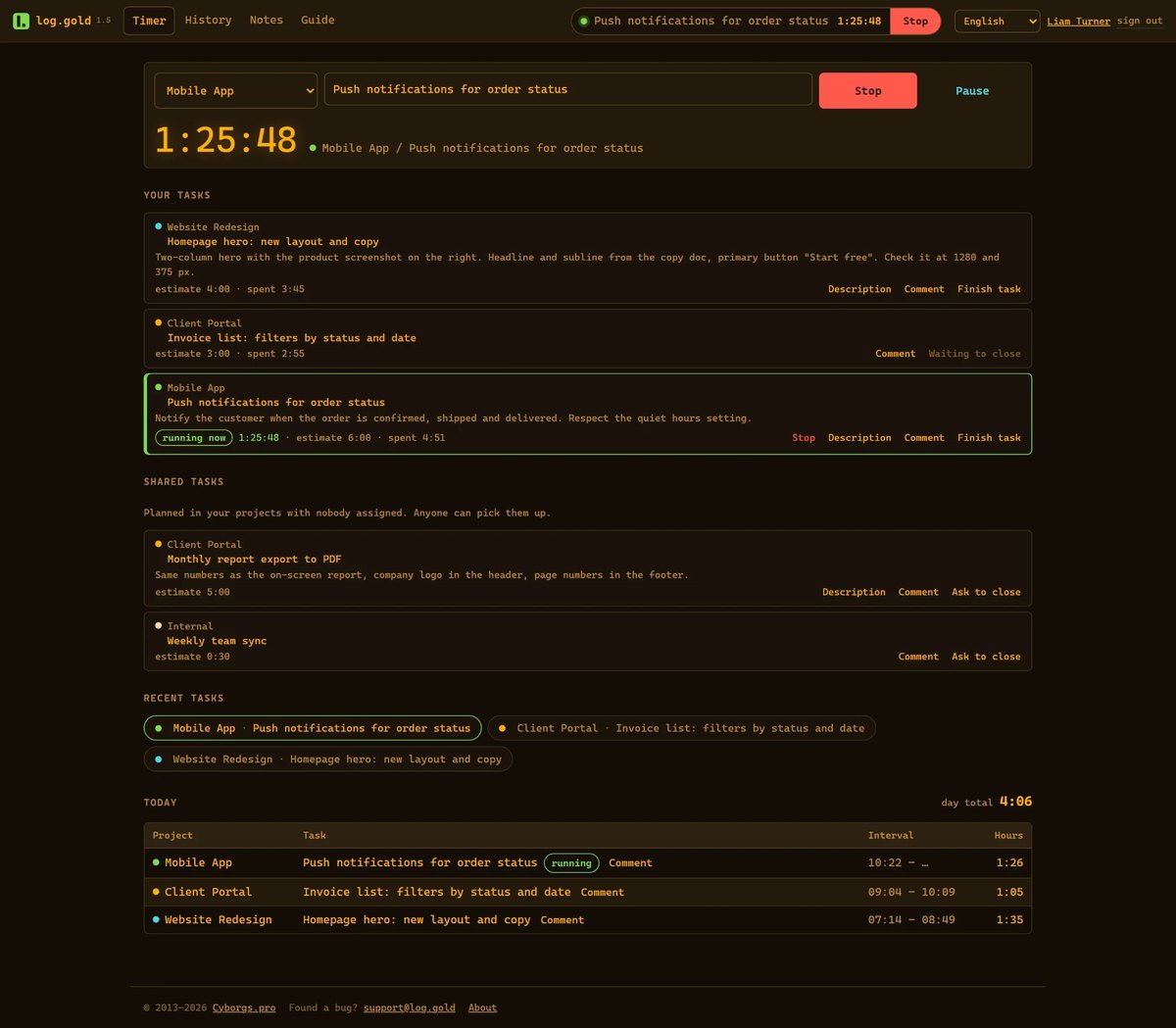
Tasks right where the clock is
The second thing we wanted to get rid of was the two windows. A manager creates a task right here: title, description, assignees, expected time. The person sees it on their timer and starts it with one click. They write a comment if something is unclear. They click "Request closure" when they're done. At the end of the day, the manager sees who worked on what, how much time it took, and how much is left.
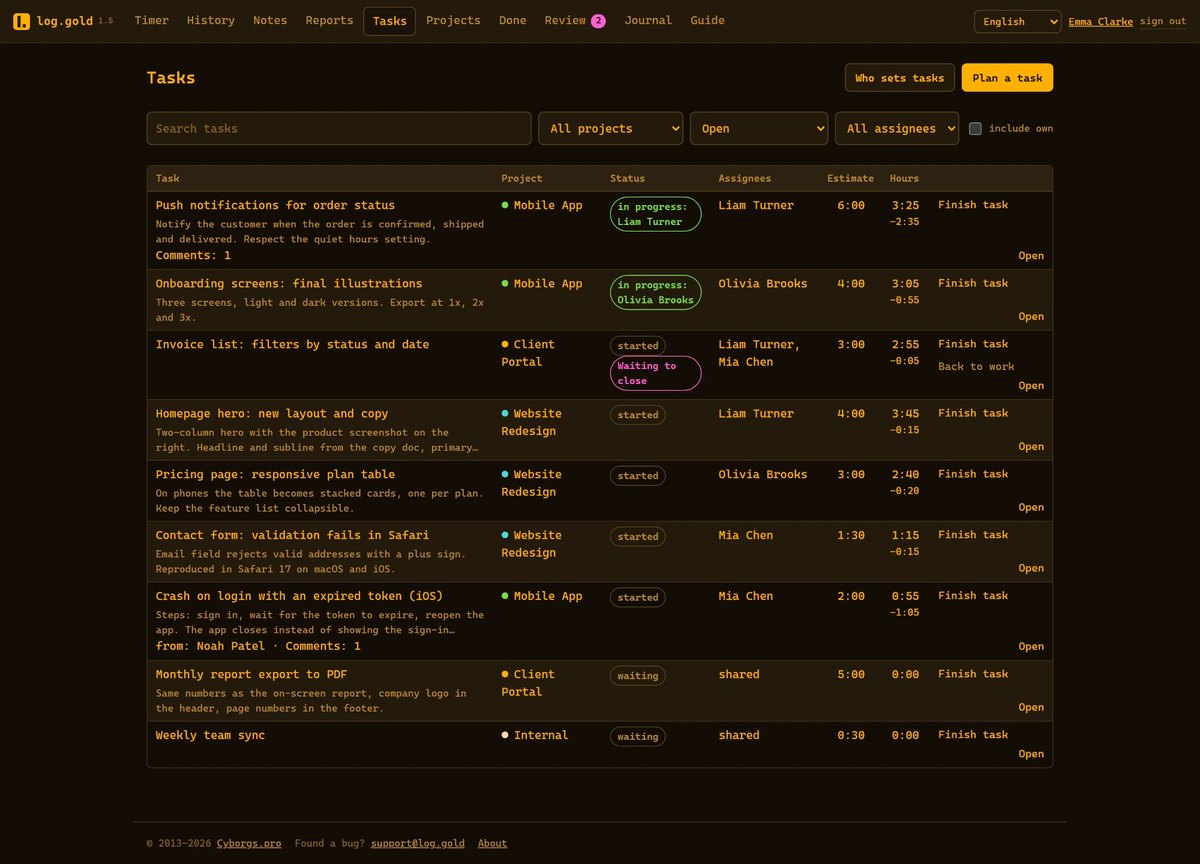
There are no boards with columns, sprints, or subtasks here, and that's intentional. For a small team, setting them up often costs more than the tasks themselves. If you need a full-scale project manager, Log.gold is not it, and we say so plainly.
Numbers you won't be embarrassed to show a client
This is what the whole thing was built for, so here it is point by point:
The server keeps the time, not the browser tab. A closed laptop, a sleeping computer, or a lost internet connection won't make you lose it.
A forgotten timer trims itself - the night won't end up in your report, and you won't have to explain to a client where fourteen hours came from.
Employees do not edit their own hours: a manager does this, and every edit stays in the log with a name and timestamp.
No surveillance: no screenshots, no keystroke counting. We track time, not people.
Lightweight, fast, and available in six languages
We keep the interface lightweight on purpose: no heavy libraries and no megabytes of scripts. Pages open instantly and run on a low-powered laptop or on a phone on the go. There is nothing to install, all you need is a browser.
The service speaks six languages: English, German, French, Polish, Ukrainian, and Russian.

Why it's free
We built Log.gold for ourselves first: our team works in it every day. The service keeps running no matter how many users it has, so we can afford to take our time with monetization.
It works best for small and mid-sized teams: studios, agencies, freelancers and contractors paid by the hour, and startups that need order rather than yet another system to roll out. These are exactly the teams for whom expensive trackers feel like overkill, while spreadsheets quickly stop being enough.
That's why it's completely free right now: no trial period and no stripped-down plans. Setting up a company takes a minute: name, email, password. Employees are invited by email.
Try
If you count hours in a spreadsheet, keep tasks and time in separate places, or are simply tired of complicated trackers, check out Log.goldWe would love to hear your feedback: the service changes every week, and many of its features came from suggestions by the people who use it.
And in the next part we will return to the story: I will tell you how our own engine ended up and what happened next. Stay tuned ))