Speeding Up XR Development with Unity CLI, Meta VR CLI, and Performance Tools for Quest
 Public
- 18 Sep, 2026
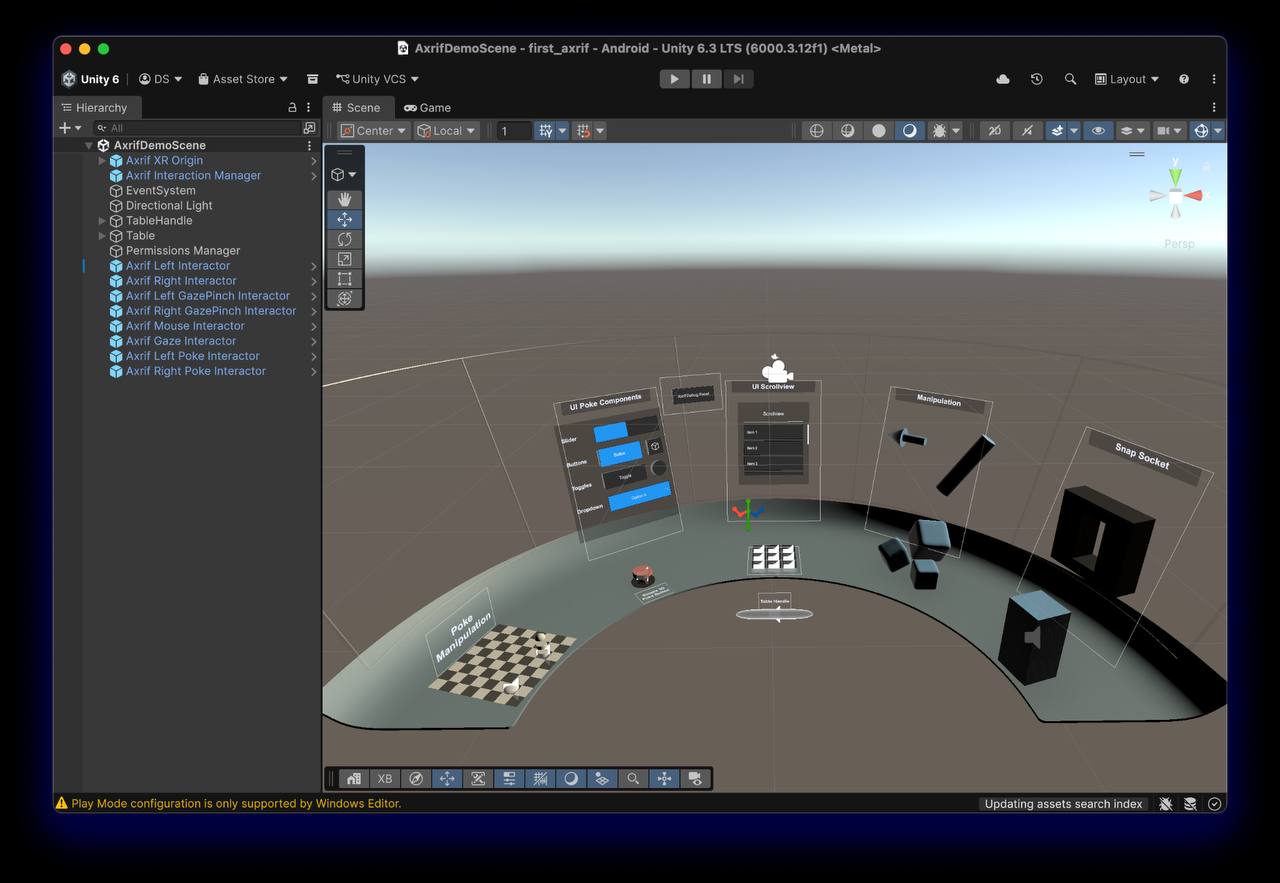
The launch of Unity CLI has given XR developers a much faster way to interact with the Editor and their projects directly from the terminal. Dilmer Valecillos, a Developer Advocate at Meta and the creator of a popular XR and game development YouTube channel, recommends that early adopters who have been working with the Unity MCP server move over to the new Unity CLI and Pipeline package. The CLI ships with its own built-in MCP server that uses the same protocol, so an existing MCP client connects to it without any real effort. The key advantage is dramatically faster iteration, because the CLI uses the Roslyn compiler for code evaluation, removing the need for Editor recompiles and domain reloads. Support also extends to target runtime environments, not just the Editor, and the combination with the Pipeline package is where agentic workflows really shine, since that package is what lets you communicate with the Editor.
Knowing a handful of basic CLI commands saves real time simply because you can skip the UI. The most powerful available command is eval: it compiles and runs C# snippets live on the main thread through Roslyn while the Unity Pipeline package is running inside the Editor. Because there is no project recompile and no domain reload, execution takes milliseconds. You can use it to run automated setup scripts, query the Editor state, or execute C# files straight from disk with unity command eval_file "path/to/script.cs". For example, the command unity command eval "return UnityEditor.EditorApplication.isPlaying;" instantly returns the current play state. Another useful habit is keeping an eye on the changelog, since the CLI updates frequently and the changelog makes it easy to see which new features appear as the tool develops.
Parameterized commands are another way to save time, especially when installing specific Unity versions with the modules you need. A single install command can set up everything at once, for example unity install 6000.5.0f1 -m android android-sdk-ndk-tools --cm --accept-eula --yes, which grabs the given version, Android build support, the SDK and NDK tools, the Content Manager, and automatically accepts the EULA. Instead of clicking through the Hub, you just run the command and move on. The full set of available CLI commands is documented in the Unity command-line interface reference.
Because the Unity CLI supports multiple clients, it pays to connect it to whichever LLM you already prefer. At Meta the focus is on bringing the tools developers like directly into their primary editors, such as Cursor, Claude Code, and Muse Code, and a useful workflow tip is to mix tools, using one LLM for authoring and another for code reviews. However, general-purpose coding assistants are often confident about VR and often wrong, returning answers that work for mobile but not for Quest, for example on hand tracking or reducing draw calls. The Meta VR CLI closes that gap by giving the assistant access to the actual documentation and to the device itself. It ships with its own MCP server that plugs into Codex, Cursor, Claude Code, Gemini, or VS Code via metavr mcp install claude-code, with cursor, vscode, and project as alternatives.
Once that connection is in place, the answers change. A question about passthrough camera access pulls current documentation instead of guessing from stale training data, and because the CLI can reach the device, it stops at suggestions far less often. It can install the build, tail logcat while a bug is reproduced, and capture a screenshot of what is actually displayed inside the headset rather than what the Game view shows, which alone saves a lot of putting the headset on and taking it off. Two more pieces are worth wiring in before writing any code: the Project Setup Tool checks a project against what Quest actually requires and fixes configuration errors before build time, while the Meta Asset Library offers 1.5 million royalty-free 3D assets with LODs already authored, searchable directly through the Meta VR CLI, so you are never blocked on placeholder art.
Performance is the part of VR development that often takes developers by surprise, since something that feels smooth in the Editor can fall apart on the device. The traditional fixing loop involves capturing a trace, loading it into Perfetto, and scrolling through thousands of slices to find the one costing frames. The new perf commands in the Meta VR CLI are meant to break that loop: you describe what you want, such as "take a 15-second capture with GPU data," and the agent runs the capture and reads the result back, surfacing frame-time spikes and CPU/GPU bottlenecks in seconds. A direct command like metavr perf capture --mode full --duration 15000 --app com.mycompany.myvrapp --output my_vr_trace does the same. Inside Unity, the Quest Runtime Optimizer tackles the problem from the other direction, with bottleneck analysis that flags what is wrong and "What If" analysis to A/B individual GameObjects, while OVRMetrics, the Meta Quest fork of RenderDoc, and Perfetto improvements remain available for those who prefer to stay hands-on.