Soft Crunch Games: Designing Foxy Dumplings for Consistency Across All Platforms
 Public
- 16 Oct, 2026
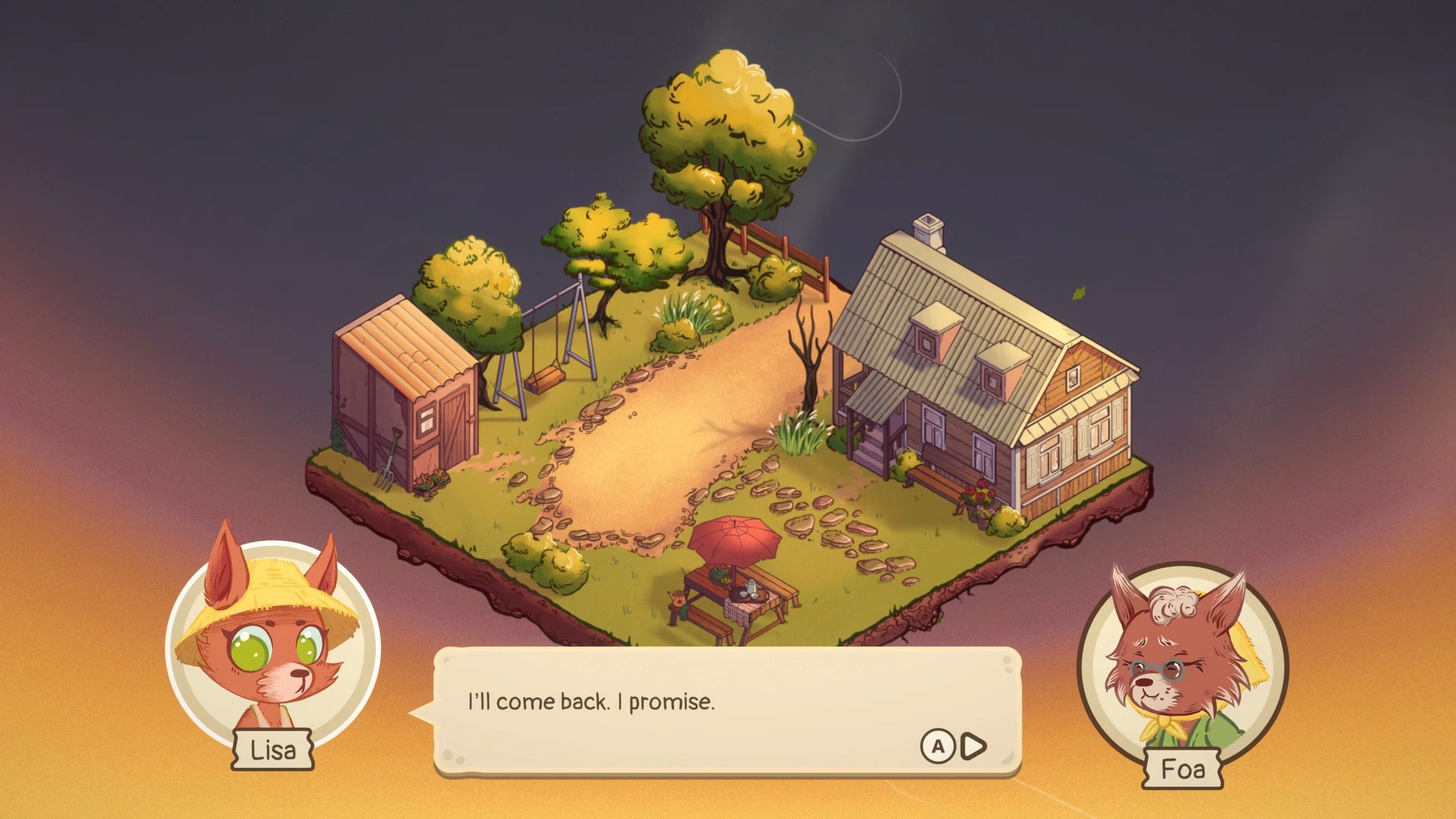
Soft Crunch Games, a four-person studio, faced the significant challenge of releasing Foxy Dumplings simultaneously on Windows, macOS, Linux, Nintendo Switch 2, PlayStation 4 and 5, Xbox Series X|S, iOS, and Android. To manage this complexity, the team established a core architectural rule: every platform receives the exact same game from the same commit. This approach eliminated separate branches, delayed mobile editions, and content-restricted versions. The sole programmer, Grzegorz Wątroba, designed the system so that no compromises were made on feature parity. This ensures that players on any device experience the full scope of the cozy cooking and management simulation without waiting for platform-specific updates or dealing with incomplete content sets.
The technical foundation relies on a single Unity project and branch, where gameplay logic is strictly separated from platform-specific code. Platform interactions are confined to the edges of the system, handling tasks such as saving, user accounts, achievements, cloud synchronization, and system dialogs. A facade pattern provides a single entry point for gameplay, with a factory selecting the correct platform provider at startup. For instance, when the game requests an achievement unlock, it does not know whether the call is routed to Steam, PlayStation Network, or ignored entirely. This abstraction allows the core game to remain agnostic of the underlying hardware, ensuring that adding a new platform does not require rewriting the central gameplay mechanics or logic flows.
Input handling is designed to be fully independent for each control scheme, allowing players to complete the game using only a controller, touchscreen, or mouse without requiring a keyboard. The team utilized the Unity Input System with one set of actions and three distinct control schemes: gamepad, keyboard and mouse, and touch. The game switches schemes live based on the last used input, and the user interface adapts automatically. A single button-prompt Prefab is used in nearly 200 places, dynamically displaying the correct icon for the active input method. This capability-based design, rather than device-based detection, proved crucial for compatibility with devices like the Steam Deck, where a touchscreen might emulate a mouse, and for older Android hardware with varying input capabilities.
Performance optimization was critical for a 2D game using Spine characters and unlit materials, particularly on lower-end hardware. The team identified that rendering effects into 4K render textures was unnecessary for 1080p or 720p displays. By adjusting render textures to match the actual screen resolution and disabling unused HDR and depth textures, they significantly reduced pixel fill rates on devices like the Steam Deck, dropping render texture memory from 32 MB to 4 MB. Additionally, memory spikes caused by localization were addressed by regenerating fallback font atlases from 4096x4096 to 2048x2048 pages, reducing memory usage for languages like Japanese from 48 MB to 4-8 MB per font. These optimizations ensured smooth performance across the wide range of supported devices.
Cross-platform progression is managed through a portable save system where progress is stored as a single encrypted binary file with an identical format on all platforms. This allows a save written on mobile to be read directly on PC without conversion. Synchronization operates on two layers: the platform's native cloud save and Unity Cloud Save, which handles cross-ecosystem progress. Merge logic compares save slots by timestamp, with deleted slots marked to prevent resurrection from the cloud. Unity Authentication code linking connects console and PC accounts, making cross-progression opt-in while keeping the game fully playable offline. The team emphasized that while storage is straightforward, identity management is complex, requiring separate trust mechanisms for Steam tickets, PlayStation tokens, and Xbox tokens.
The development workflow was heavily automated to manage the workload of a small team. A central build menu with over 70 entries handles all configurations, including build types, demos, and output settings, eliminating manual Project Settings adjustments. Compile checks are run across roughly 40 platform and store configurations to catch errors before QA. Scope management involved rejecting features that would multiply platform work, such as text input fields, online multiplayer, and in-game purchases. The team also utilized Unity 6.3 LTS, which offered improved stability, Vulkan fixes for older Android devices, and 10-15% faster IL2CPP build times. This structured approach allowed the team to maintain high quality and consistency across all platforms, with external QA focusing on platform-specific layers like certification and suspend/resume behavior.