SideQuest simplifies sideloading on Quest: wireless ADB and direct Steam ports
 Public
- 13 Oct, 2026
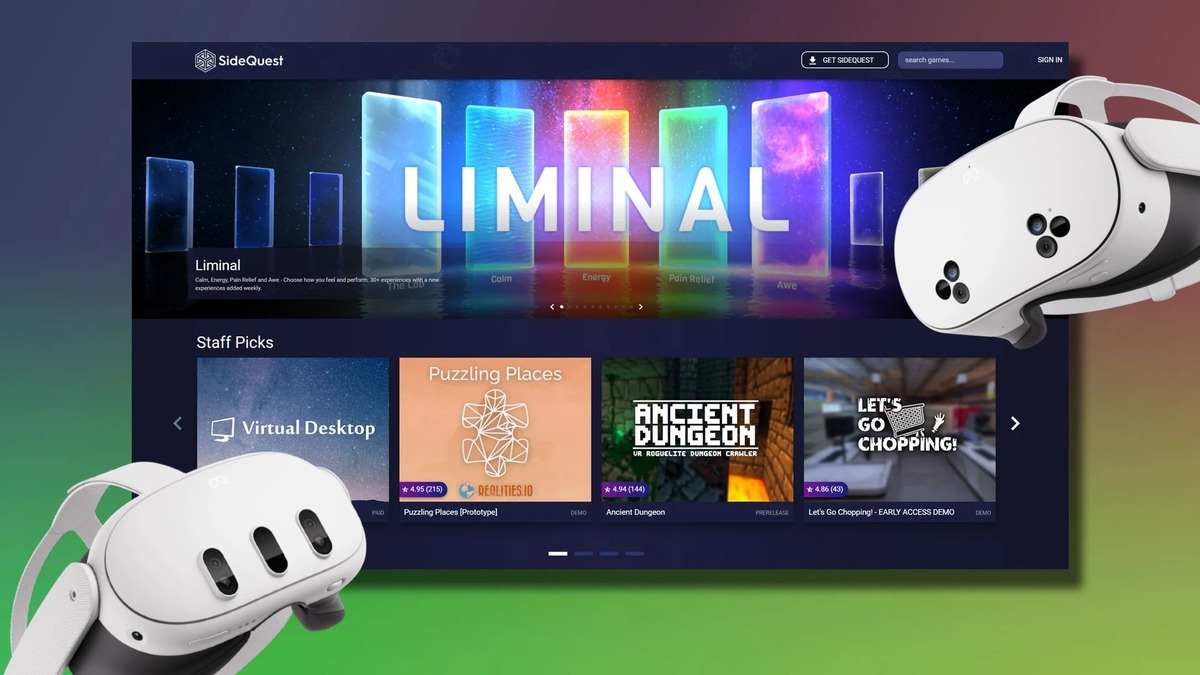
SideQuest, the leading unofficial store for Quest games since 2019, has significantly simplified its installation process. Previously, setting up the platform required a cumbersome procedure involving a computer. Now, the team has reduced the setup to just a few essential steps, making it much more accessible for new users who want to access a wider library of virtual reality content without the technical hurdles associated with sideloading applications on Meta hardware.
The new workflow requires users to sign into their Meta Account and allow SideQuest to connect via Bluetooth, which enables wireless ADB. This means users can install the app directly from their desktop or mobile device. The process is now so streamlined that users simply connect and the software installs into the headset immediately. This eliminates the need for physical USB cables and driver installations on a PC, offering a seamless experience whether the download is started from a computer or from an Android phone via an APK file.
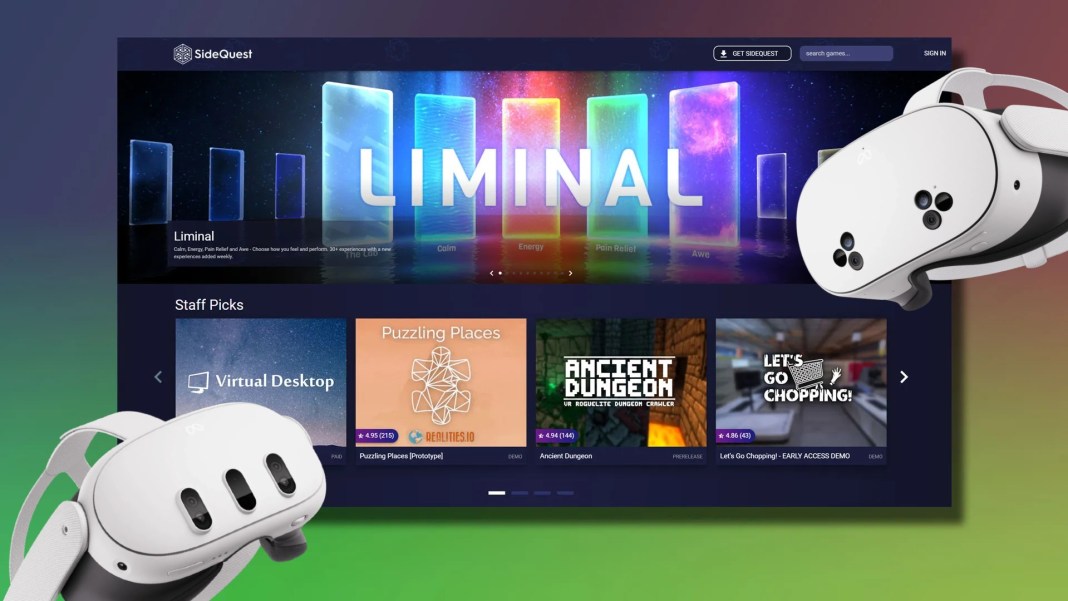
A key feature of this update is the ability to install Steam game ports directly inside the Quest headset. Users no longer need to drag and drop files from a PC to the device. After signing into a Steam account through SideQuest in the headset, the platform automatically downloads the selected games. However, this functionality is limited to existing ports and does not cover all Steam titles. This direct integration saves time and removes the need for manual file management, allowing developers and gamers to access ported content more efficiently.

The in-headset experience has also been refined to integrate better with the native operating system. SideQuest now automatically adds installed apps to the Quest library, removing the need to manually enable the unknown sources setting. To get started, users can bypass the PC route entirely: open the Meta Quest Browser and download the SideQuest APK. After locating the file in the Files app and installing it via the Package Installer, the app prompts users to add it to their library. The only drawback compared to the PC method is the inability to tweak advanced headset settings directly through the interface.