Quest Virtual Display Can Now Stream Camera and Microphone, Work Over USB, and Forward Input in Both Directions
 Public
- 24 Nov, 2026
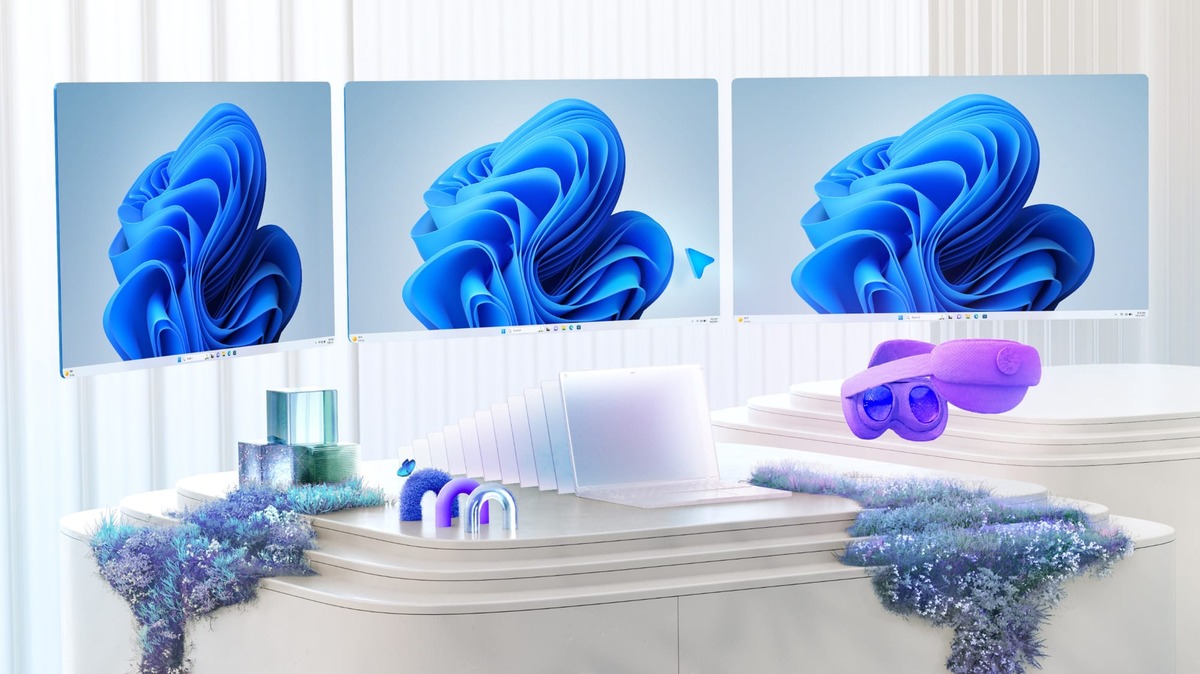
Virtual Display, Meta's first-party screen-mirroring app for Quest, has picked up a set of new features through the company's ongoing work with Microsoft. The app was previously called Remote Desktop and works with both Windows and Mac. In Horizon OS 2.7 it also absorbed Meta Quest HDMI Link. The newest additions apply to Quest 3 and 3S paired with the Mixed Reality Link app on Windows 11. Earlier updates already brought simpler connections, hand and controller input forwarding, and virtual ultrawide support, and some of those features have since spread beyond Mixed Reality Link.
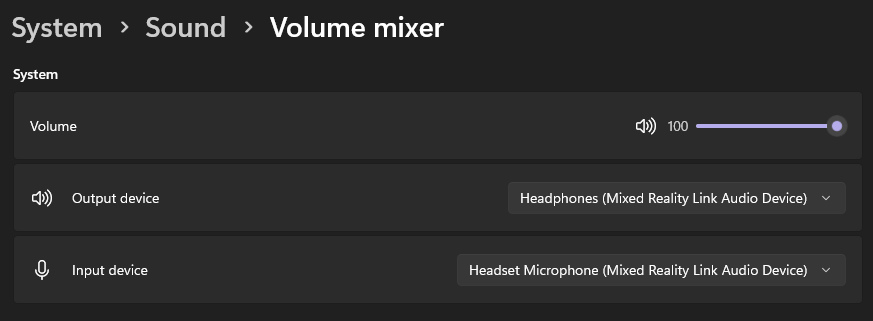
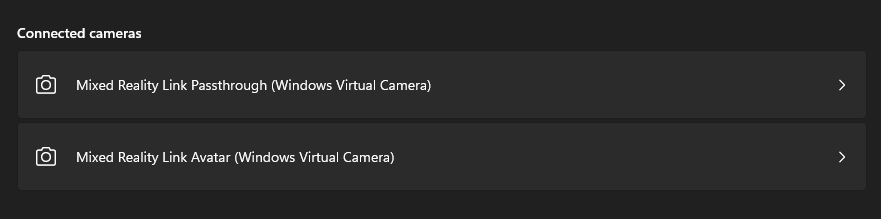
A September update lets the host PC use the headset's cameras. Windows can now see the forward-facing passthrough cameras, so apps can share the wearer's view or treat the headset as a video source. Virtual front-facing cameras are exposed too, which puts a Meta Avatar into Windows apps such as Discord or Zoom. This matches Horizon OS 2.10, which added avatar video calls in the Chats app. The Selfie Camera feature first showed up in the v76 PTC more than a year ago, and third-party apps like Discord and Zoom already use it. Both implementations may lay the groundwork for Hologram Calling on Meta VR Glasses. Mixed Reality Link also forwards the microphone now. Headset speakers already worked as a PC audio output, and the headset mic can now serve as a PC audio input.
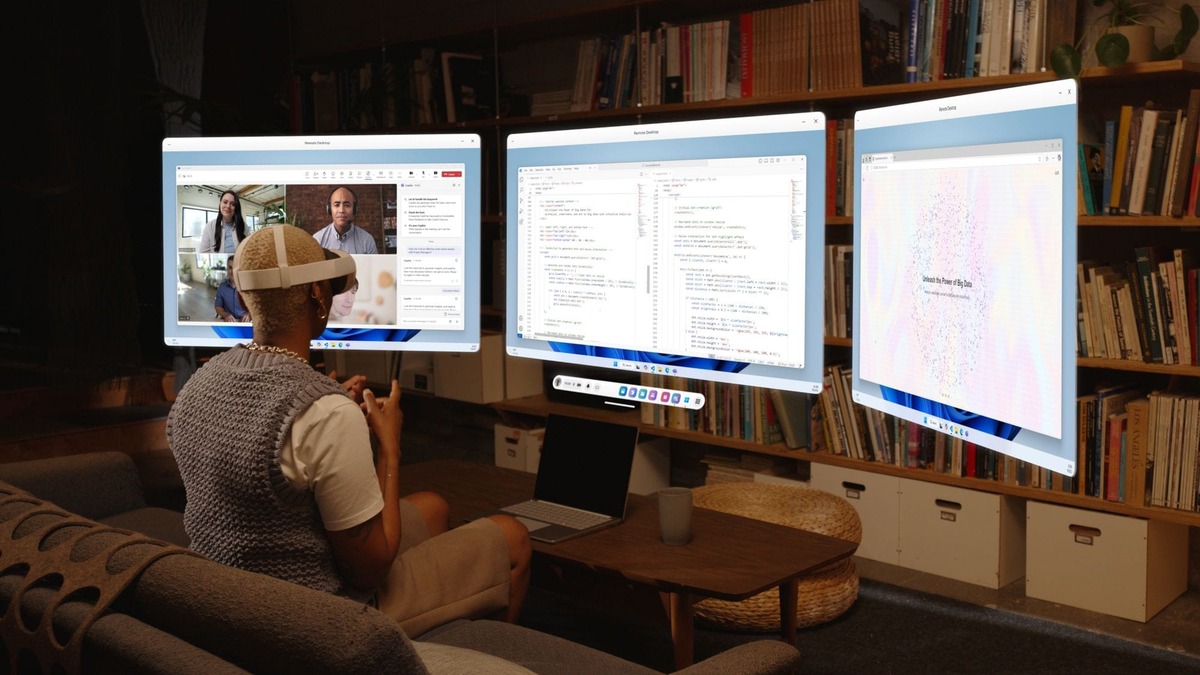
Earlier this month, wired USB streaming arrived for Virtual Display and Mixed Reality Link. Microsoft describes it as a fallback for poor network conditions, public Wi-Fi that blocks device-to-device traffic, and travel without internet access. Wireless pairing asks for a QR code or PIN on first connection, but USB does not. The feature uses the USB NCM permission added in Horizon OS 2.5, which Valve's Steam Link and the Virtual Desktop beta channel also rely on.
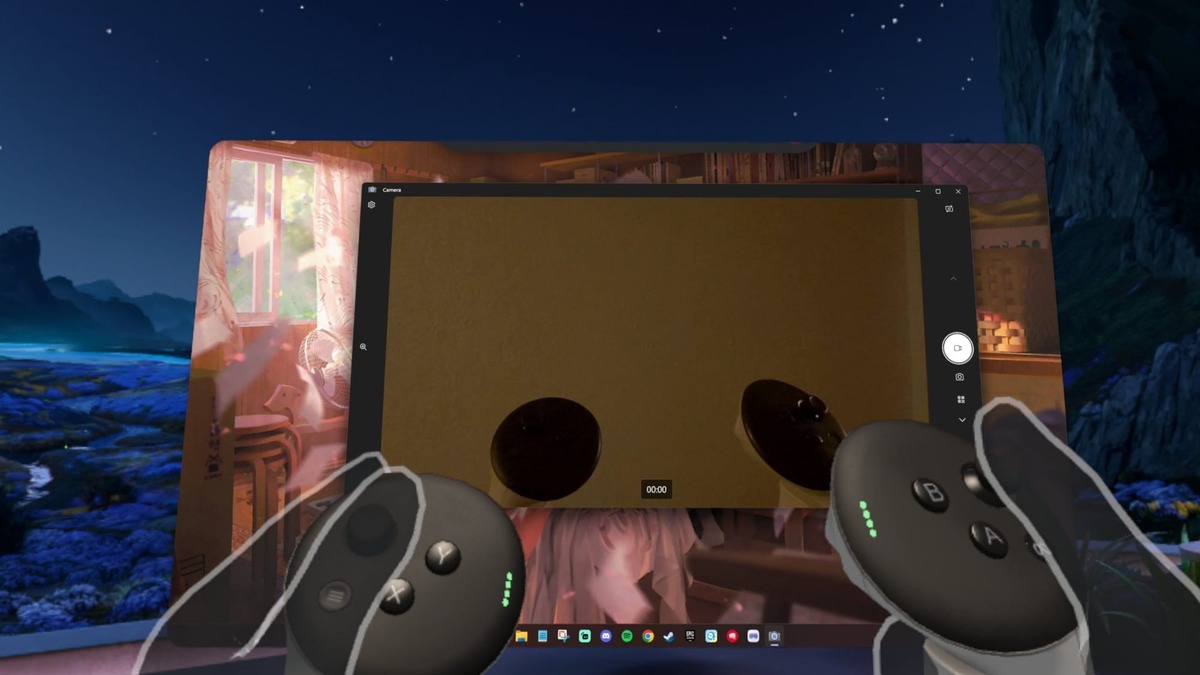
An undocumented two-way input feature is also rolling out under a setting called Computer Inputs. Until now, the PC's mouse and keyboard stayed locked to the Windows desktop. Controlling Horizon OS meant switching to hand tracking or controllers, or plugging separate peripherals into the headset. With the toggle on, the PC's mouse and keyboard can leave the desktop window and control the headset as if they were connected to it directly. One set of inputs then works across PC apps and headset apps side by side. Turning the toggle off locks input to the desktop again. Testing showed it works as intended, with two caveats. Using Touch controllers while connected can sometimes make the cursor vanish from the headset UI. The toggle also has no effect on a mouse and keyboard attached directly to the headset.
The updates arrive as Meta VR Glasses head toward a spring 2027 launch, with productivity among their pitched uses. Their puck accepts DisplayPort input, so the glasses can act as a display for a Mac, Windows PC, or console.