Maya 2027.3 adds agentic AI, an MCP server, and a DLSS-accelerated Arnold viewport
 Public
- 19 Nov, 2026
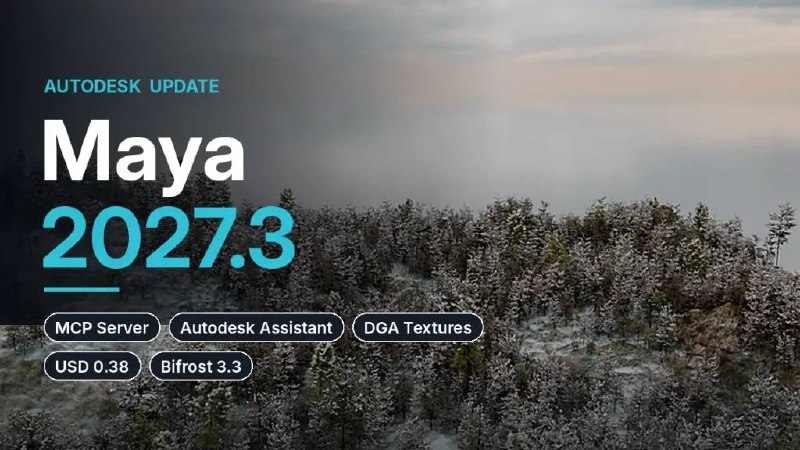
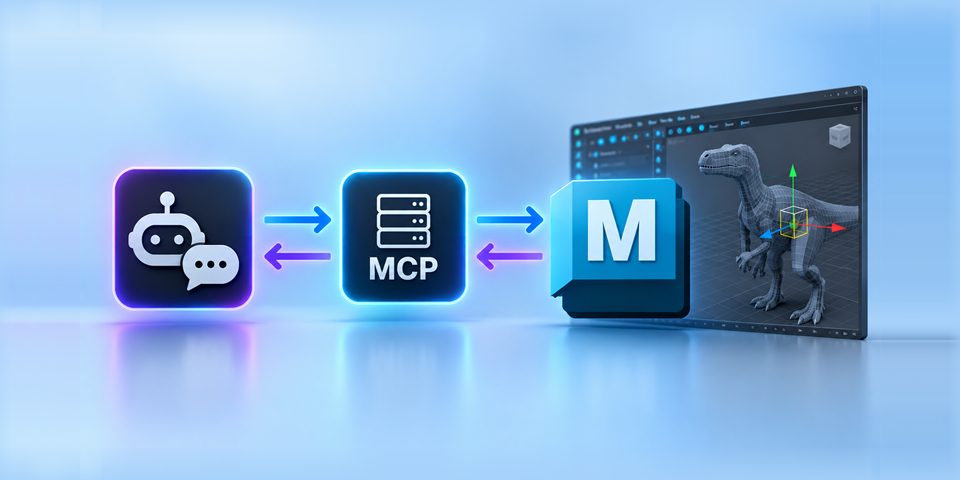
Autodesk has released Maya 2027.3, bringing experimental agentic AI workflows to its 3D modeling and animation software. Scenes can now be changed with natural-language prompts in two ways: through the built-in Autodesk Assistant, or through a new MCP server that connects Maya to third-party AI tools such as Claude or ChatGPT. The cut-down Maya Creative edition gets a matching 2027.3 update.
The Assistant, introduced back in Maya 2027, works in three modes. "Help me" answers technical questions. "Analyze my scene" inspects a scene without changing it, for example to find broken texture paths. The new "Do work for me", still a tech preview, modifies the scene by running MEL or Python scripts. It is typically used for repetitive tasks like renaming character joints or fixing broken textures. Scripts must be previewed and approved before running. Safe Mode (on by default) blocks scripts that act outside a scene, and each Assistant action can be undone in a single step. Prompt history and generated data are stored in the cloud for 45 days for debugging and service optimization, but are not shared with third-party AI developers.
The MCP server offers similar safeguards: scripts can be previewed, run in a sandbox, or write access can be disabled entirely. It is also a tech preview and works only in interactive sessions, not in batch or headless mode. Autodesk publishes a comparison of the capabilities and costs of the two options in its documentation, along with a list of their current limitations.
For lighting and look development, Arnold gets a new Accelerated Viewport mode: it renders at a lower resolution, then upscales the image and denoises it using NVIDIA DLSS. As a result, feedback is much faster and more accurate. The mode debuted in Arnold 7.5.3, and in Arnold 7.5.4 it gained support for motion blur and Cached Playback. Maya 2027.3 bundles MtoA 5.6.4, so everything works out of the box. Dynamic Geometry Attributes analyze how each mesh vertex changes during deformation. They now get a pointValues node for outputting results to viewport shading, and an Options window where you can create and connect the needed DGA nodes for visualization or texture output from one place.
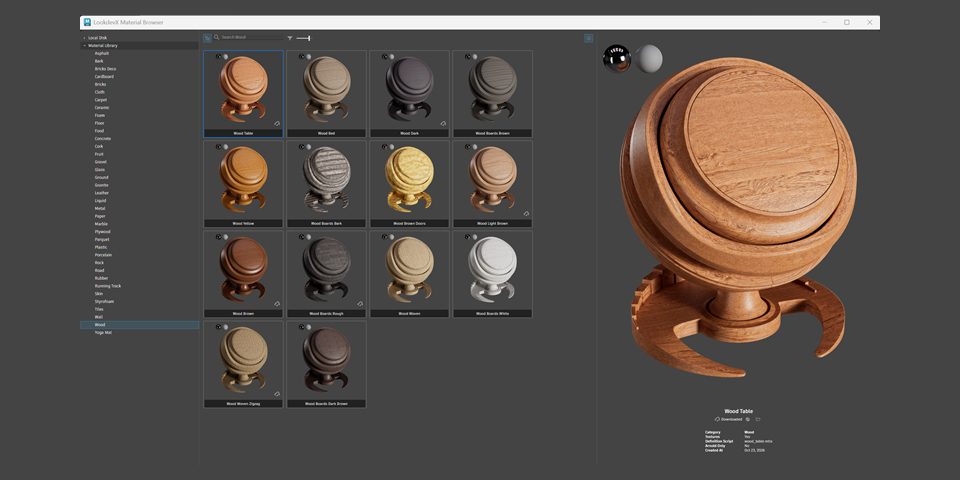
Bundled plugins are updated too. LookdevX 2.3 adds a Material Browser for libraries in USD, MaterialX and Arnold formats. Substance 3.1.1 supports OpenPBR. Bifrost 3.3 gets MaterialX support and plays back dynamic USD caches with simulation more smoothly. USD for Maya 0.38 adds the USD Composition Editor, which opens from the Outliner or viewport. It shows how a prim is assembled: from which layers, references, payloads, variants and opinions (in USD terminology, opinions are values set on individual layers). With it, you can find the layer where a value is authored, see overridden opinions and check which variants are active.
Maya 2027.3 runs on Windows 11, RHEL and Rocky Linux 8.10/9.7, and macOS 14.0 and later. The software can't be purchased, only rented: $255/month or $2,010/year. Maya Indie costs $330/year and is available in many countries to artists who earn less than $100,000/year and work on projects with a similar budget. Maya Creative 2027.3 has the same features except Bifrost 3.3. It is sold via Autodesk Flex from $3/day, but with a minimum spend of $99/year.