Canva Launches Free Affinity for iPad with New Sketch Studio
 Public
- 03 Nov, 2026
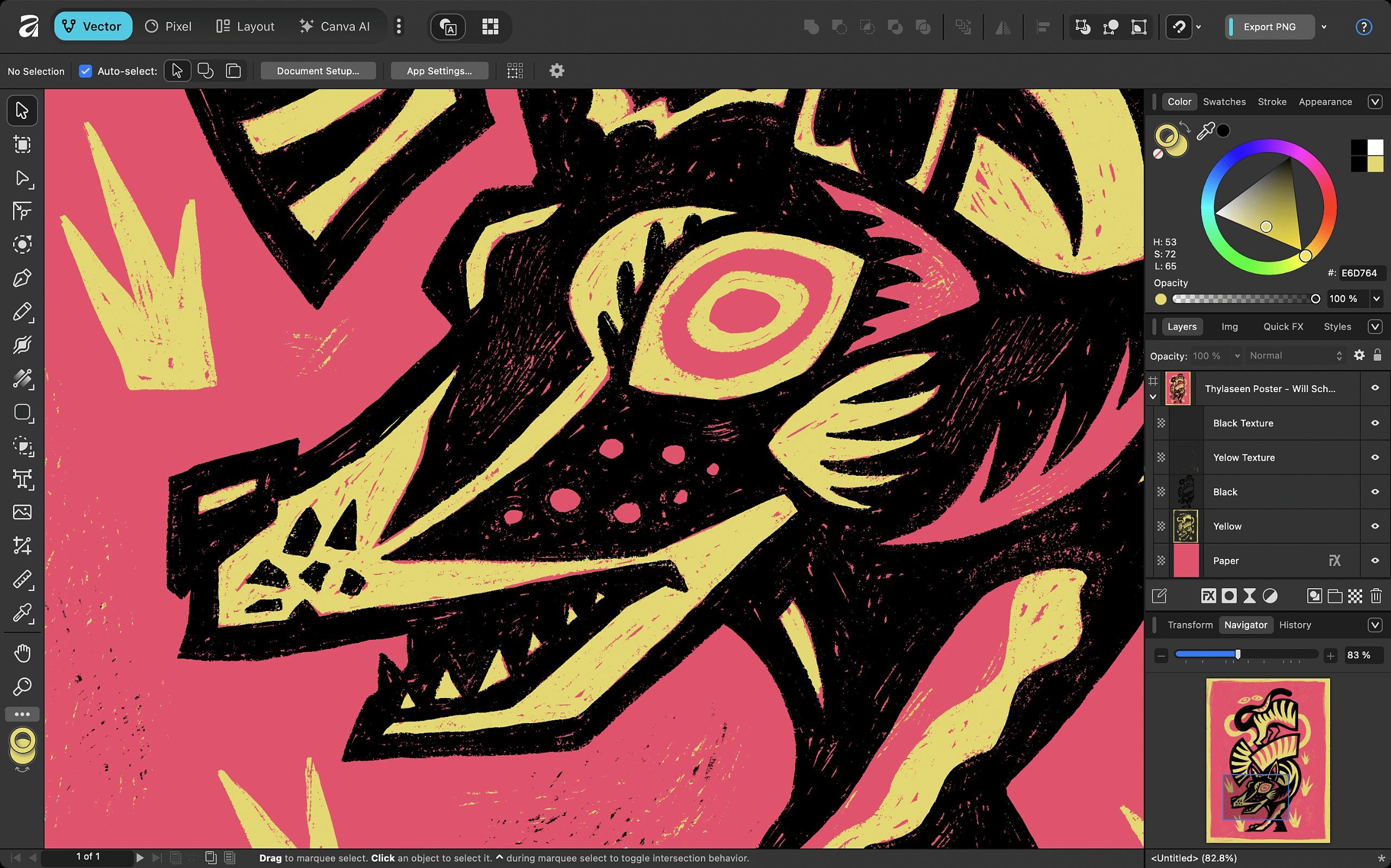
Canva has officially launched Affinity for iPad, delivering the long-awaited tablet version of its unified creative suite. This release consolidates the previously separate functions of Affinity Photo, Designer, and Publisher into a single application. While the desktop version of Affinity was released almost a year ago, the new iPad edition expands the platform's reach by adding a unique fourth workspace. The app is designed to replace the fragmented ecosystem of standalone tools, giving users a streamlined environment for professional creative work on the go.
The standout feature of the iPad edition is the inclusion of Sketch Studio, a digital sketching toolset that distinguishes it from the desktop counterpart. This addition places Affinity in direct competition with established tools like Procreate. Canva positions this studio as a utility for roughing out concepts rather than a full-fledged digital painting engine for final illustration. Despite its focus on sketching, the toolset is robust, featuring over 350 editable brushes that respond to pressure, tilt, and barrel roll inputs from the Apple Pencil, offering a versatile experience for artists who need to capture ideas quickly.
Interoperability is a key strength of the new release. The app supports the native Affinity .af file format, allowing seamless project exchange between the iPad and desktop versions of the software. This solves a significant limitation of the older standalone iPad apps, which could not open files saved from the new unified desktop edition. Furthermore, the application can import project files from major Adobe products, including Photoshop PSD, Illustrator AI, and InDesign INDD and IDML files. While the import process generally preserves layers and structure, users should note that advanced formatting elements in InDesign files, such as GREP styles and anchored objects, may require manual adjustment after import.
The user interface has been specifically rearchitected for tablet use, prioritizing accessibility by placing tools within easy reach and reducing visual clutter. Canva asserts that performance remains robust even when handling complex files with thousands of editable layers, ensuring that adjustments, filters, and effects update live without slowing down the workflow. The core application is completely free and requires only a Canva account for access. Paid Canva subscriptions, such as Pro or Business plans, unlock AI-driven features like Generative Fill and Generative Expand. The company commits to providing ongoing free updates and new features, mirroring the support model established for the desktop version.
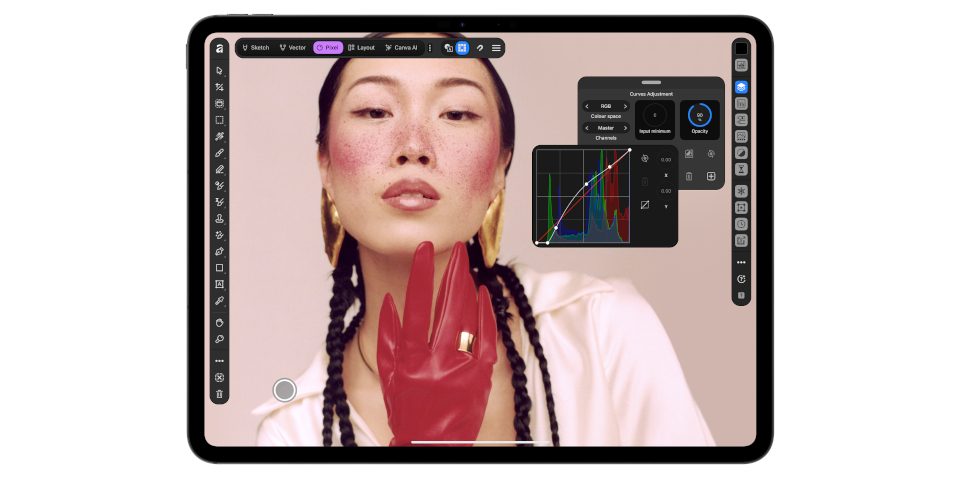
Affinity for iPad is compatible with devices running iPadOS 18.0 or later. Users can download the free core application from the App Store, though registration with a free online account is mandatory. For those interested in AI capabilities, Pro subscriptions are priced at $144 per year, while Business subscriptions cost $250 per year. This release marks a significant step for Canva in the creative software market, offering a powerful, cost-effective alternative for designers, photographers, and illustrators who rely on iPad hardware for their daily creative tasks.